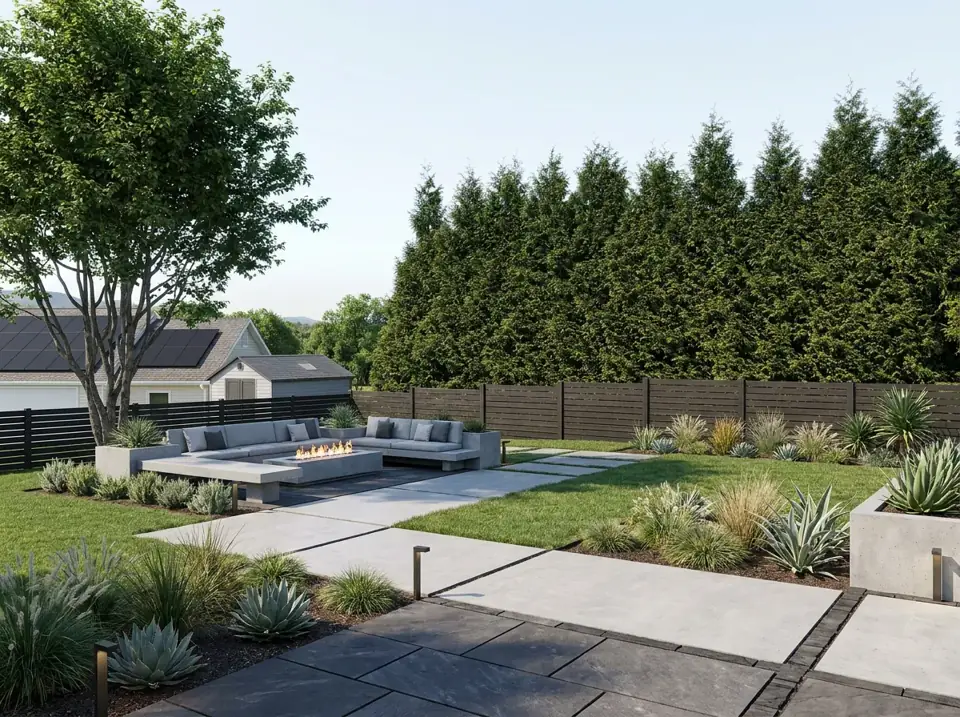
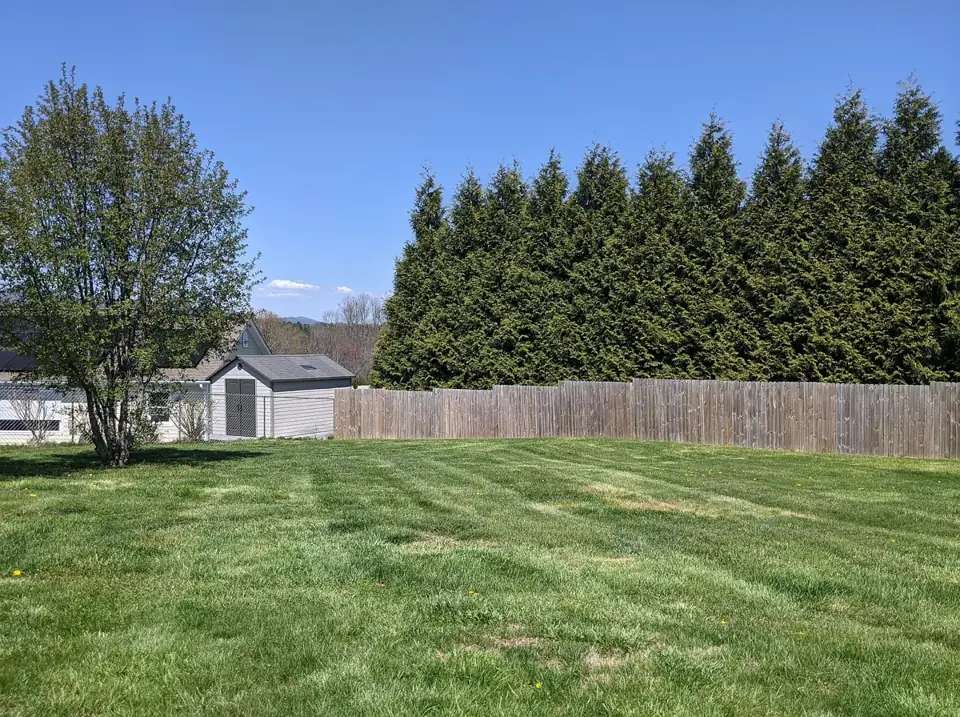
 BeforeAfter
Modern style
Before photo: Beautiful Trees In A Backyard by Chase Bohannon, CC0 1.0. After image generated by this site's AI from that photo.
Try this styleUpload your yard, choose a style, and preview a new landscape in seconds.
Upload yard/garden photos only. No people, nudity or adult content. Acceptable use
BeforeAfterLandscaping is a big decision, and it is hard to picture a finished space from a plan or a catalogue. This tool turns a photo of your own yard into a realistic preview, so you can compare directions before you buy plants, pavers or furniture. It is a simple kind of AI yard design: you supply the photo and pick a style, and the AI keeps your house, fences and layout recognizable while it reimagines the planting, paving and lighting.
Use the results as inspiration for a backyard design conversation with a landscaper, to settle a debate at home, or as a starting point for a do-it-yourself project. The renderings are concept visualizations, not construction drawings.
Add a photo of your backyard.
Modern, Tropical or Low Maintenance.
See 1 free, unlock all 4 for $9.90.
Each style gives your yard a different personality. Here is what each one is about, with typical plants and materials. These are general ideas for AI landscape design: the plants that will actually thrive depend on your local climate, soil and sun, so check with a local nursery before buying.
Clean lines, concrete and stone pavers, minimal planting and an outdoor lounge.
Homeowners who like a tidy, architectural look and want clearly defined zones for lounging, dining and walking. It works well with contemporary houses and with small or rectangular yards.
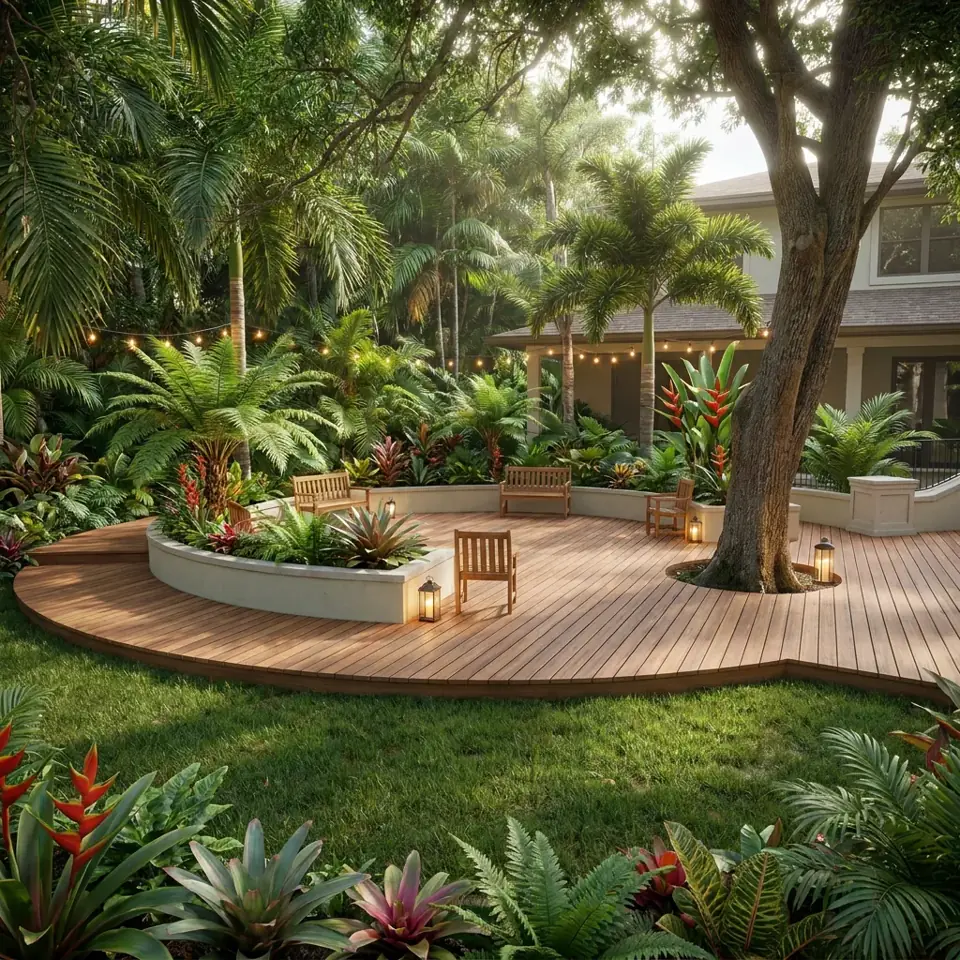
Palms, lush layered planting, a wood deck and warm lighting.
People who want a lush, relaxed, resort-like space for entertaining after dark. It suits warm, humid regions best, but a tropical look can be approximated in cooler climates with hardy, bold-leaved plants.
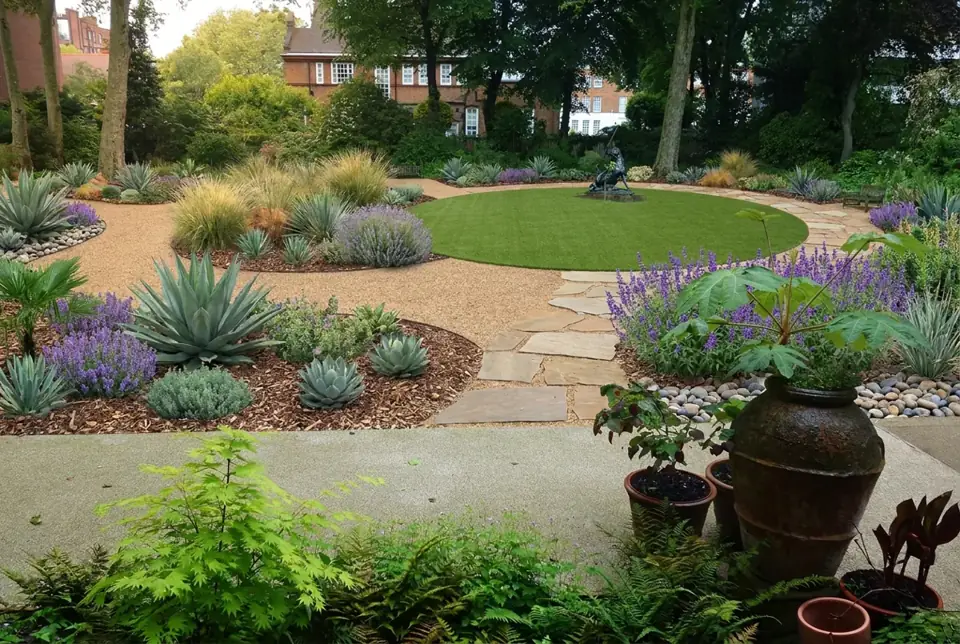
Drought-tolerant plants, gravel, artificial turf or xeriscape and very little lawn.
Busy households, renters-turned-owners, and anyone in a dry or water-restricted area who would rather spend weekends relaxing than mowing and watering.
An outdoor kitchen or grill area can be part of a patio or a modern design, with a counter, a built-in grill and seating close by. The AI may include one in a patio rendering, which makes it a handy way to see how such an area could sit next to your house. Try it with the AI patio design tool. Gas and electrical work need a licensed professional.
These AI yard design examples start from real yard photos and show one AI-generated redesign for each style. Results vary with the photo you upload, and a single design is only a starting idea.
BeforeAfterBefore photo: Beautiful Trees In A Backyard by Chase Bohannon, CC0 1.0. After image generated by this site's AI from that photo.
Try this style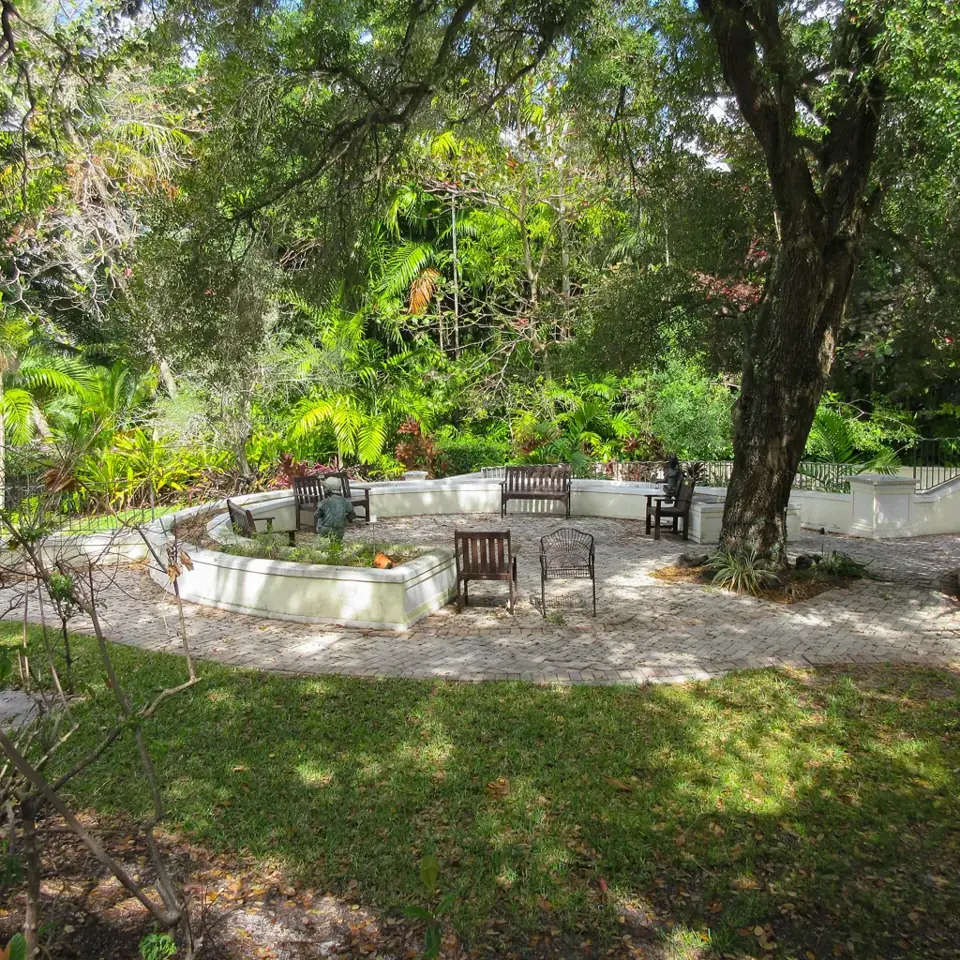 BeforeAfter
Before photo: Williams House Fort Lauderdale Florida back yard by MrBill3, CC0 1.0. After image generated by this site's AI from that photo.
Try this style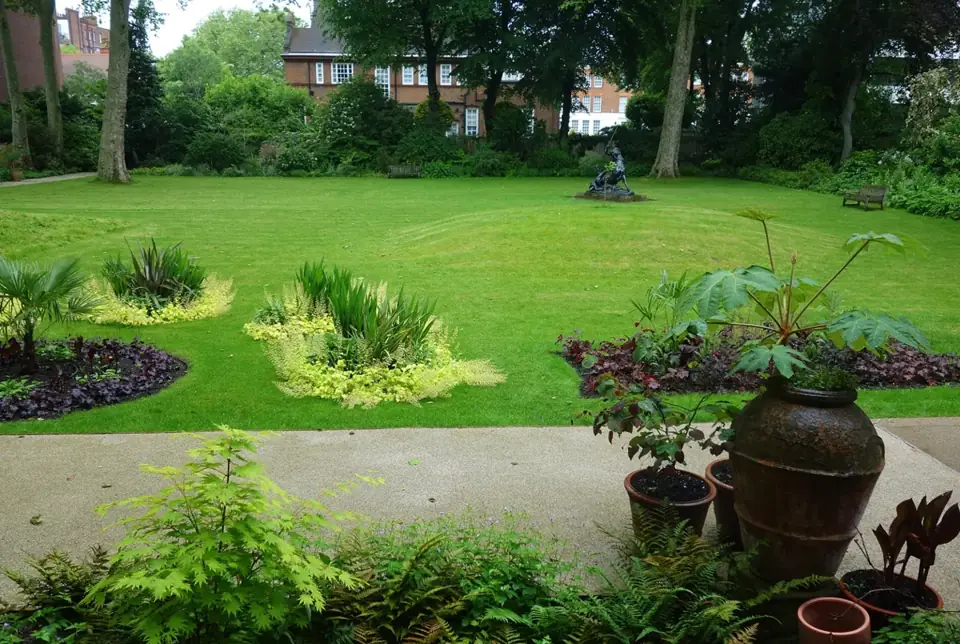 BeforeAfter
Before photo: Back yard - Leighton House Museum - London by Daderot, CC0 1.0. After image generated by this site's AI from that photo.
Try this styleA good photo makes a big difference to how believable your redesign looks. A minute of preparation helps.
Bright, even light (a slightly overcast day is ideal) shows the ground, fences and plants clearly. Avoid harsh shadows and night shots.
Stand at the back door or in a corner of the yard so the camera sees as much of the space as possible. A wide-angle setting helps.
Include the house wall, the fences and the ground. The AI keeps the layout recognizable, so the more it can see, the better it can match your space.
Move cars, bins, toys and people out of frame where you can. Clutter can end up in the redesign.
Hold the phone sideways. A wide photo gives a more natural-looking result than a tall one.
JPG, PNG, WEBP files up to 10 MB are accepted. Large phone photos are resized in your browser before they are sent.
Preview new curb appeal, walkways and foundation planting from a street-side photo.
Try planting beds, borders and garden paths in a new style from one photo.
Redesign any yard, front or back, when you just want one tool for the whole space.
Preview paved seating and dining areas, furniture, shade and planters.
Try timber or composite decking, railings, steps, built-in seating and planters.
1 rendering free. One-time $9.90 unlocks all 4. No subscription.
Upload your yard photo — first design freeAI backyard design uses image generation to redesign a photo of your actual yard in a chosen style. It is a quick form of AI landscape design that lets you preview ideas before spending money on landscaping.
Yes, to start. You get 1 free design for your photo, with no account and no sign-up. If you want to see more variations, a one-time payment unlocks them.
You get 1 rendering free. A one-time payment of $9.90 unlocks all 4 design options. There are no subscriptions.
The one-time $9.90 payment unlocks all 4 renderings for your chosen style, each a different variation of layout, lighting and planting. It is not a subscription and nothing renews. The unlock is saved in your browser and includes up to 8 generations, so you can retry or try another style.
No app to install. The tool works in your web browser on a phone or a desktop computer: open the page, upload a photo and pick a style.
A bright, daytime, landscape-orientation photo taken from a corner or the back door, showing as much of the yard as possible. JPG, PNG, WEBP files up to 10 MB are accepted.
The renderings are concept visualizations. You may use them for your own planning and to share with family, friends, contractors or landscapers. They are not construction drawings and do not guarantee that a design can be built. The Terms of Service set out what you may do with the images, so please read them before using images in advertising or for resale.
Your photo is sent only to the image generation service (fal) to create your renderings. Our server does not save it, and we do not publish it or sell it. It stays in your browser's session storage while you work. The Privacy Policy explains this, and the cookies we use, in full.


