 BeforeAfter
Tropical style
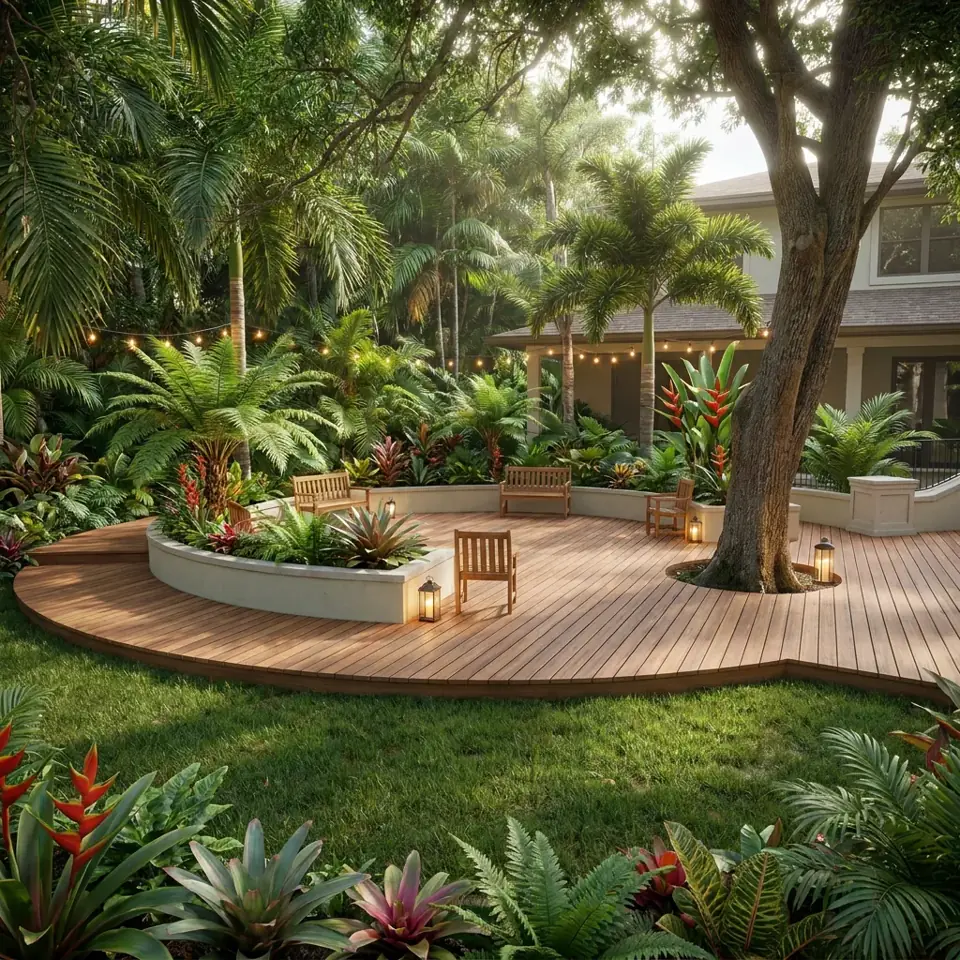
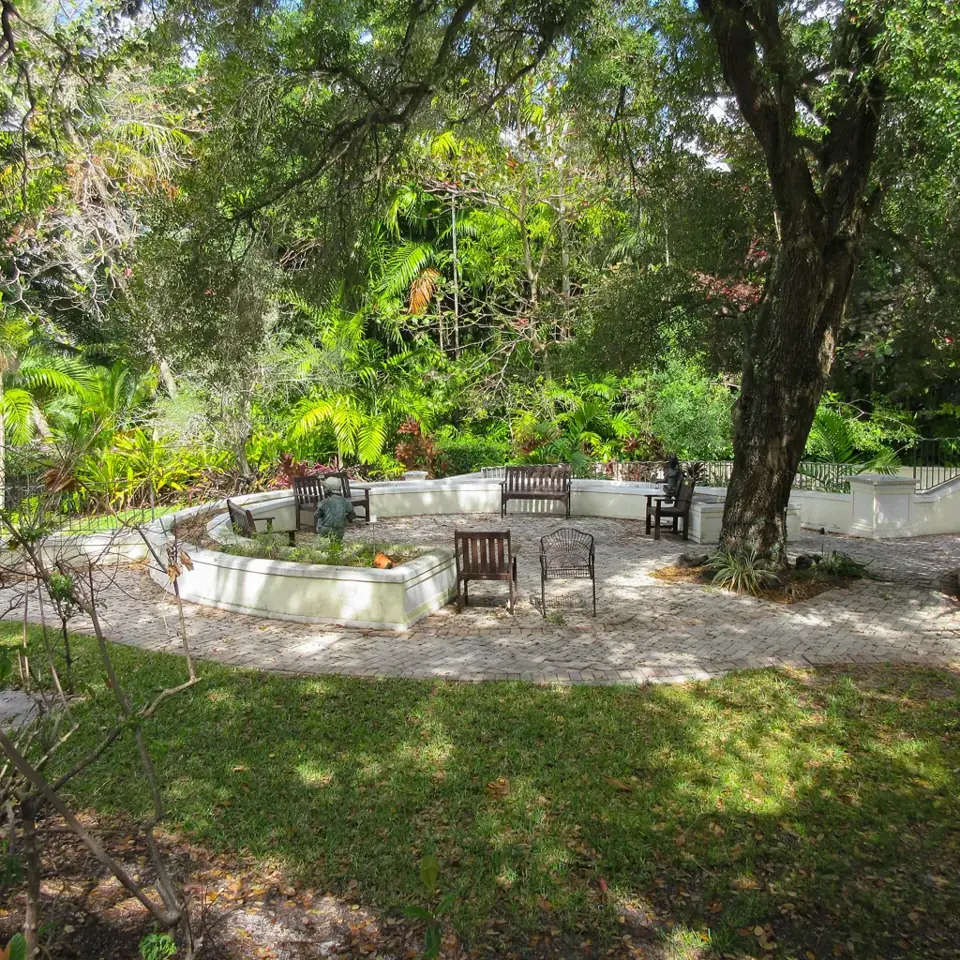
Before photo: Williams House Fort Lauderdale Florida back yard by MrBill3, CC0 1.0. After image generated by this site's AI from that photo.
Try this stylePhotograph your deck or the back of the house where one could go, pick a style, and see new decking, railings, steps and seating.
Upload yard/garden photos only. No people, nudity or adult content. Acceptable use
A deck changes how a house relates to its yard. It adds a raised living space just outside the door, gives you somewhere to eat and relax, and links the interior to the garden with a step. It is also a significant investment, and the details are easy to get wrong: the colour of the boards, the style of the railing, where the steps land, how much seating to build in. This tool lets you see a concept for those choices on your own photo. You upload an image of your existing deck, or of the back wall where you want one, choose a style, and the AI produces a rendering.
The rendering concentrates on timber or composite decking, railings, steps down to the yard, built-in seating and planters. The AI is asked to keep the house wall, doors and the footprint and steps of the deck recognizable. It is a useful way to compare a dark, modern deck with a warm timber one, or to see whether built-in benches and planters would make a small deck feel more complete.
As a quick form of AI deck design it will not replace drawings, but it can sharpen the brief you give a builder or help you decide whether to resurface an existing deck instead of replacing it.
The deck tool is a good fit for people who are:
A modern deck is clean and horizontal: wide boards in a dark or neutral tone, slim metal or glass railings, hidden fixings, a low built-in bench and linear lighting. Planters are simple and geometric. It suits contemporary houses and works well if you want the deck to look like an extension of the interior, though dark boards can get hot in direct sun.
A tropical deck leans on warm timber tones, a lounge corner under shade, large potted palms, bold-leaved plants and string or lantern lighting. A curved or multi-level edge is common. It suits warm, humid regions and people who entertain in the evening. Real timber needs regular care, so ask a builder about species and finishes that cope with your climate.
A low-maintenance deck favours durable composite or well-sealed boards, simple railings, and few pots. The yard around it moves toward gravel and tough plants rather than lawn. Composite is often chosen for lower upkeep, but products differ in heat, slip resistance and cost, so check samples in the sun before buying.
This example was made with the site's standard yard design. It shows the curved timber deck, plants and lighting that a tropical deck might include. Results depend on the photo you upload, and a single design is only a starting idea.
BeforeAfterBefore photo: Williams House Fort Lauderdale Florida back yard by MrBill3, CC0 1.0. After image generated by this site's AI from that photo.
Try this styleShoot toward the back of the house so the wall, the doors and the windows are visible. The AI is asked to keep them recognizable.
Capture how the deck meets the ground and where the steps are, so the redesign reflects the real height and access.
Stand back far enough to see all edges of the deck, or the whole area where one is planned.
Move furniture, barbecues and pots aside if you can. A clear surface lets the AI propose new boards and layout.
Bright overcast light avoids reflections and shadows that hide board patterns and the condition of the structure.
The renderings are concept visualizations, not structural drawings. They say nothing about footings, joist sizes, fixings, railing heights or load capacity.
Decks usually need a permit and an inspection, especially when raised above a certain height or attached to the house. Check local building codes and any homeowner association rules before you start.
Materials, colours and details in the image may not match real products. Ask a builder or supplier about boards, finishes and rails that suit your climate.
1 design is free, with no account. A one-time payment of $9.90 unlocks all 4 design options for your chosen style, with up to 8 generations included. No subscription.
Upload your deck photo — first design freeYou can upload a photo of the back of the house or the area where a deck could go. The AI will propose a deck in that space, but it is a concept and does not take measurements or levels into account.
No. The tool only shows the visible surfaces, railings, steps, seating and planters. Footings, framing and fixings are not shown.
Often yes, particularly for raised decks or ones attached to the house. Requirements vary by location, so check with your local authority and any homeowner association.
The AI draws deck boards in a look that fits the style, and it may resemble either. Choose real materials with a supplier, using the image to describe the look.
Yes. Run the same photo with each style to compare a modern, tropical and low-maintenance take on the same space.
You see 1 design free. A one-time payment of $9.90 unlocks 4 design options, with up to 8 generations included. It is not a subscription.
Preview new curb appeal, walkways and foundation planting from a street-side photo.
Try planting beds, borders and garden paths in a new style from one photo.
Redesign any yard, front or back, when you just want one tool for the whole space.
Preview paved seating and dining areas, furniture, shade and planters.
The original tool: redesign a whole backyard from one photo.
